☰ ⋮
Sign in
Add Snippet

Fees & Registration

SPRING TRAINING REGISTRATION

SUMMER SEASON REGISTRATION


Summer swim fees for 2026 are:

$305 for the first swimmer in a family
$20 discount for each additional swimmer in a family
In addition to swimmer fees, the team relies on parent volunteers to help our team run.
See the volunteer page for more details on the types of jobs and the level of commitment we look for from each family.

Spring swim fees for 2026 are:

$90 for each swimmer in a family
Click here to open a new page to Register

Text Area
Simple formatted text
Delete Edit_snippet
Add Snippet

​Website and App Sign-in

You use the same email/pw you used to register on both.

If you haven’t activated your account this season or in a previous one, check for the email sent after you registered. If you can’t find it (check spam), or 30 days have passed since you registered, you'll need to click on "Sign in" (top right) to send yourself another one using the “Forgot your password?" option.

HERE is more information and tutorials about Swimtopia.

Text Area
Simple formatted text
Delete Edit_snippet

​MEET ENTRY DEADLINE AND FAQs

What is the meet entry deadline?

Wednesday by midnight - each week of a meet unless notified of a different deadline

What if I declare attending and my kid is sick?

Send an email to: [email protected] or text or talk to a coach.  This happens, but knowing someone can't make it is important to adjusting relays.

What if we are past the deadline, I originally declared we can’t attend, but now we can?

Send an email to: [email protected] or text or talk to a coach.  We are alway eager to find space.  Any advanced notice is appreciated.

Text Area
Simple formatted text
Delete Edit_snippet

Swimtopia Screenshots

This tutorial was poached so it may not be exactly accurate - but still useful.

Our goal is to give the coaches as much time as possible to coach while allowing the swimmer/parents significant input in which events they swim. Please remember, the final decision of what event(s) your child swims belongs to the coach.

Indicate your availability for each swim meet...even if you will not be attending.

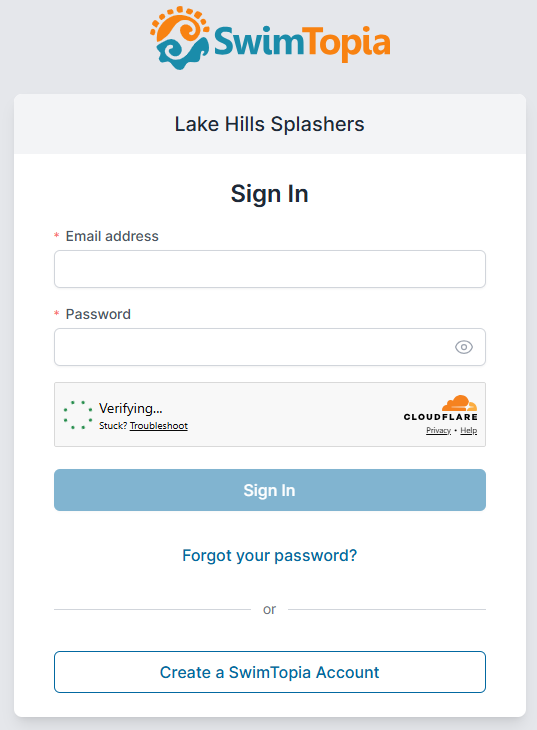
STEP 1: CREATE OR SIGN IN TO YOUR ACCOUNT

You will need to be logged in to your account to declare attendance and sign up for events/jobs. You can do that first, or you will be prompted to log in if you click on the "Meet Entry" button on the Home or Meets/Events Schedule page.
STEP 2: SELECT YOUR ATTENDANCE

Even if you are not attending, please let us know!  It will save you from some pestering emails.

OPTIONAL STEP: SELECT EVENTS AND ADD COACH NOTES

  • Either stop there and let the coach enter their events or
  • Enter their individual events.
    • Everyone gets a max of 3 individual events 
      • Please leave a note for the coach on what event they want to swim.
    • NOTE: The coach will review and remove if they are not legal/ready to race in an event.

STEP 3: SAVE AND REVIEW YOUR SELECTIONS

You can edit your selections until the meet entry button is no longer active. The coach has the final say in meet entries and relays.

Don't forget to sign yourself up to volunteer if you will be at the meet!

VOILA! You're all done!

Text Area
Simple formatted text
Delete Edit_snippet